AI Story Video Generator
Turn One Idea into a Viral Video
An AI story video generator doesn't hand you eight seconds of pretty footage - it hands you a reason for people to watch to the end. Type one idea and get a complete multi-scene video with characters, dialogue, and an ending that lands. Setup, turn, payoff. That structure is what holds attention, and it's built in automatically.
Watch: How to Make an AI Fruit Story Video
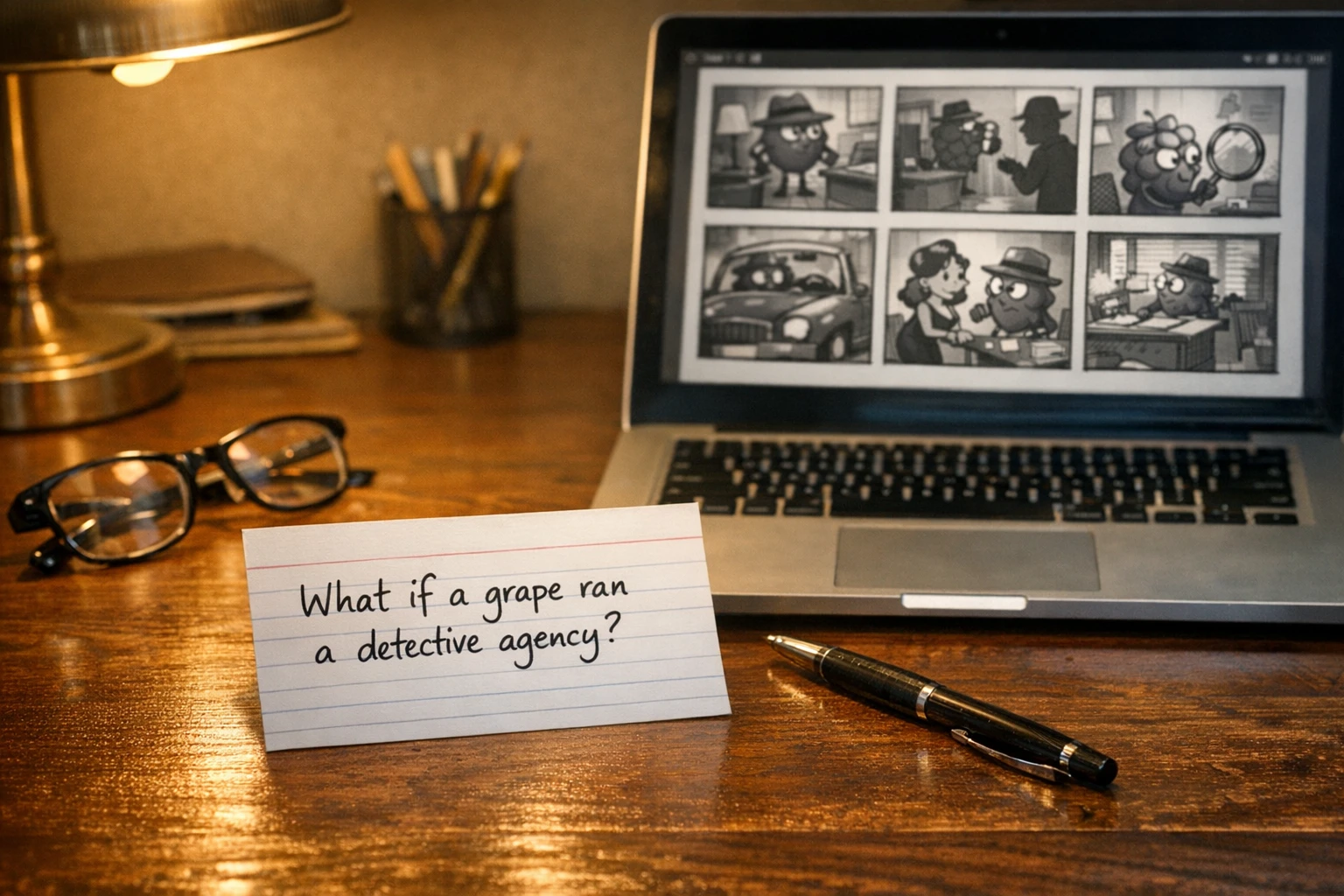
One typed idea becomes a complete multi-scene storyboard
What Is an AI Story Video Generator?
An AI story video generator is a tool that takes one idea and turns it into a finished narrative video - not a clip, a story. It writes the arc, breaks it into scenes, casts characters, gives them dialogue, renders everything, and hands you a video with a beginning, a middle, and an ending people actually feel.
That's a different species from most text to video AI tools. A standard clip generator gives you a moment: a wave crashing, a city at dusk, a character blinking in slow motion. Gorgeous, and forgettable. A clip is a moment. A story is a journey - it has characters you recognize, stakes you care about, and a question you need answered before you can scroll away.
Autoclips builds this end-to-end, and Fruit AI Stories is the flagship example: story-driven videos starring fruit-headed 3D characters with human bodies, outfits, and personalities, delivering lip-synced dialogue across a 6-scene arc. You bring the idea - or paste a full script into what is effectively a script to video AI pipeline - and the system handles everything from writing to publishing.
Clip Generator vs. Story Video Generator:
Why Story Videos Beat Clips Every Time
Structure is the unfair advantage no filter can fake
Retention: Viewers Stay for the Payoff
Once a story opens a question, the brain refuses to leave without the answer. Viewers who would swipe past a clip in three seconds will sit through all six scenes to see how it ends - and watch time is the metric every algorithm rewards most. Platforms say it themselves in the official YouTube Creators resources: keeping people watching is the job.
Comments: Endings People Need to Talk About
Nobody comments on a sunset. Everybody comments on a betrayal. A gut-punch ending sends viewers straight to the comment section to react, argue, and tag their friends - and a busy comment section is a flashing signal to the algorithm that your video deserves more reach.
Subscribers: Characters Worth Following
People don't subscribe to footage - they subscribe to characters. When your videos star recognizable personalities with outfits, voices, and attitudes, viewers come back to see what happens to them next. That's how a channel stops being a slot machine and starts being a show.
Series: One Idea Becomes Ten Episodes
A clip is spent the moment you post it. A story spawns sequels: the rival returns, the secret gets out, the ending gets a part two. One premise can carry a week of content, and every episode compounds the audience the last one built.
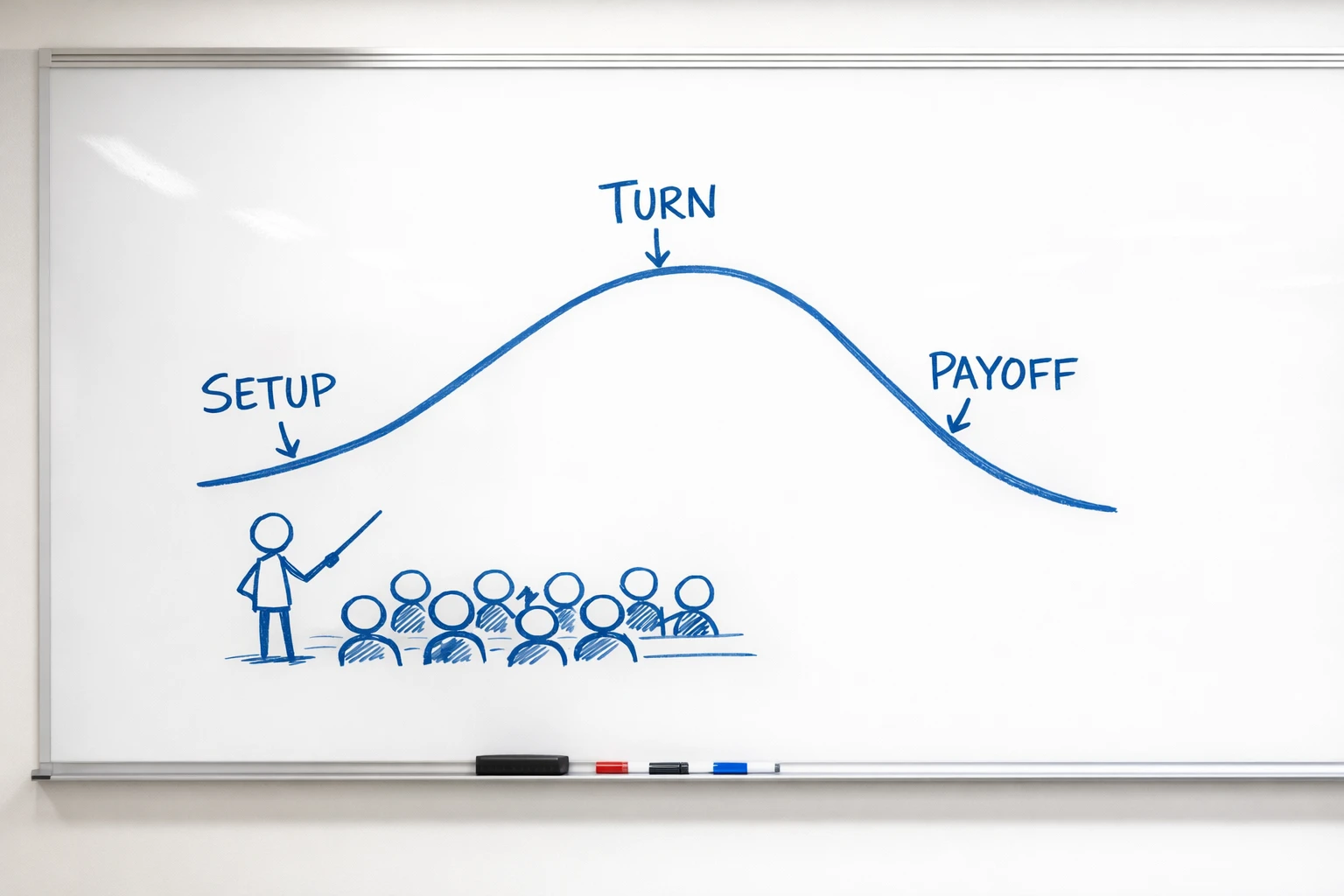
Setup, turn, gut-punch - the three-beat structure behind every story that gets watched to the end
The Three-Beat Structure Behind Every Viral Story
Every story that holds attention runs on the same engine, and it only has three parts. The setup introduces a character and a situation that raises a question - who is this, and what do they want? The turn breaks the pattern: something the viewer didn't see coming flips the situation and raises the stakes. And the gut-punch ending answers the opening question in a way that hits harder than expected - a twist, a reveal, a consequence that makes the viewer exhale, rewatch, or immediately type a comment.
Most creators know this structure exists. Almost none apply it consistently at short-form speed, because engineering a turn and a payoff for every single video is hard, slow, writing work. That's the part Autoclips automates: every 6-scene arc the AI writes has all three beats built in. You never get six scenes of aimless footage - you get a setup that hooks, a turn that surprises, and an ending built to be talked about. The fruit story video maker applies this same three-beat engine to every video it produces, which is why the format keeps viewers pinned to the last scene.
How It Works: Idea to Published Video
The full pipeline, using Fruit AI Stories as the working example
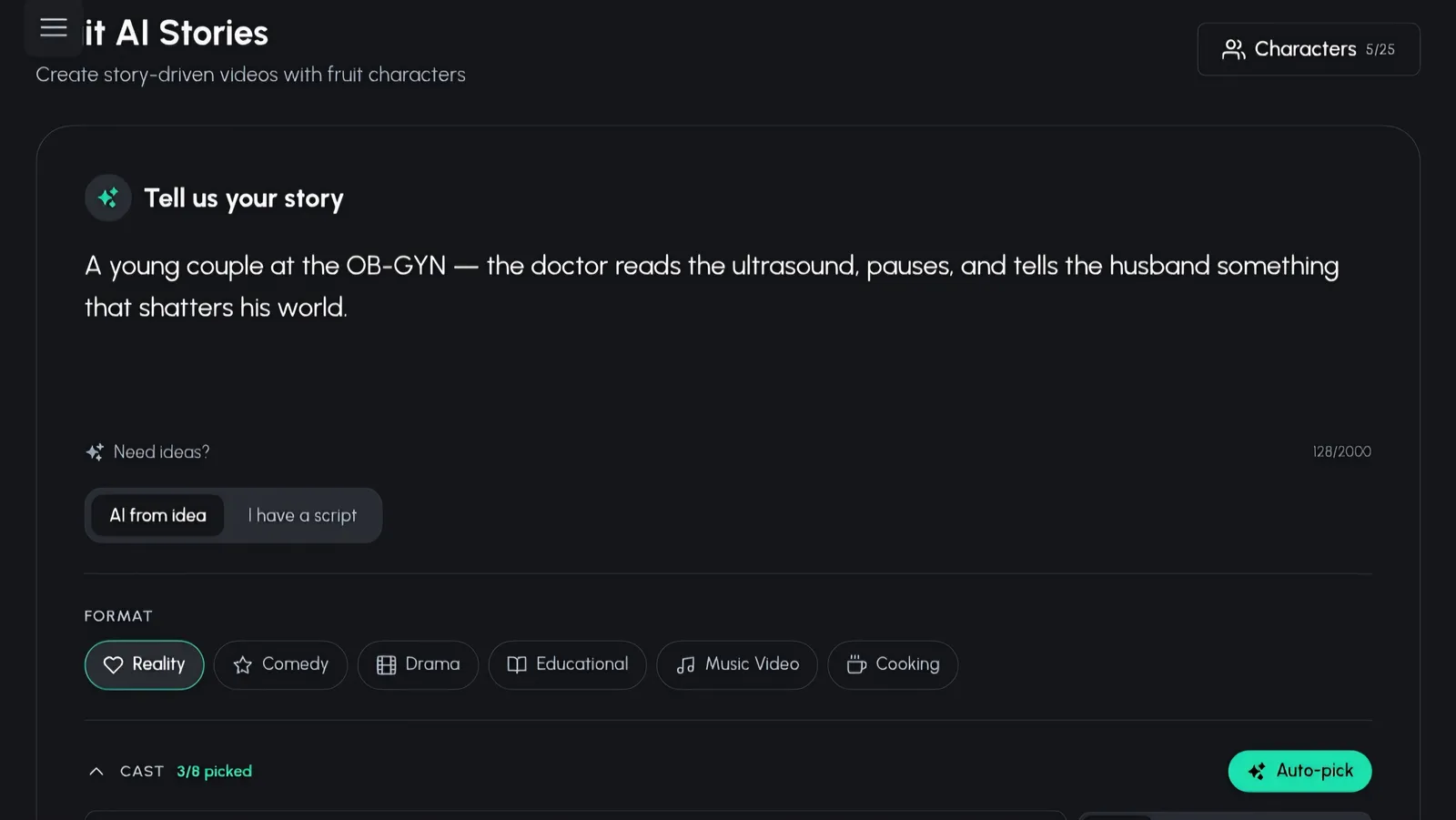
Type Your Idea
Start with anything - a one-line premise, a what-if, a rumor you overheard, or a full script you've already written. There's no format to learn and no blank-page paralysis: the input box takes your idea exactly as it comes out of your head.
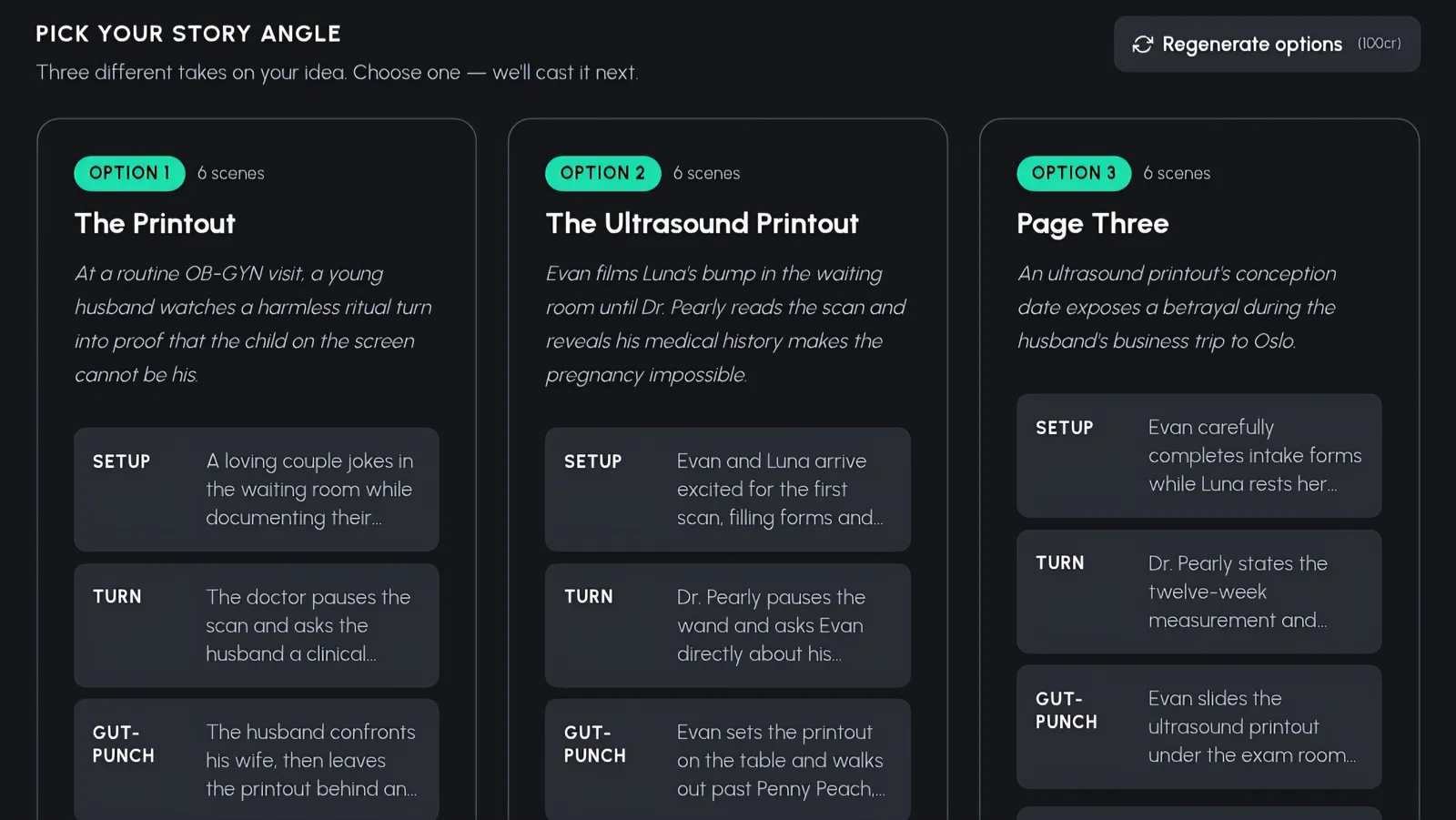
Pick One of Three Story Angles
The AI writes three complete story angles from your idea - each one a full 6-scene arc with its own setup, turn, and gut-punch ending. Maybe one plays it as a drama, another as a comedy, another as a slow-burn mystery. Pick the angle that grabs you, or hit regenerate for three fresh takes.
Cast Your Characters
Cast the story from your saved characters or the community library, or let Auto-pick assemble the cast for you. In Fruit AI Stories that means fruit-headed 3D characters with human bodies, outfits, and personalities - 16 fruit types across three visual styles: 3D Stylized with animated-movie quality, Realistic, and Cartoon. Review the cast, swap anyone who doesn't fit, and lock it in.
Three visual styles to match your channel:
Set It Up, Render, Publish
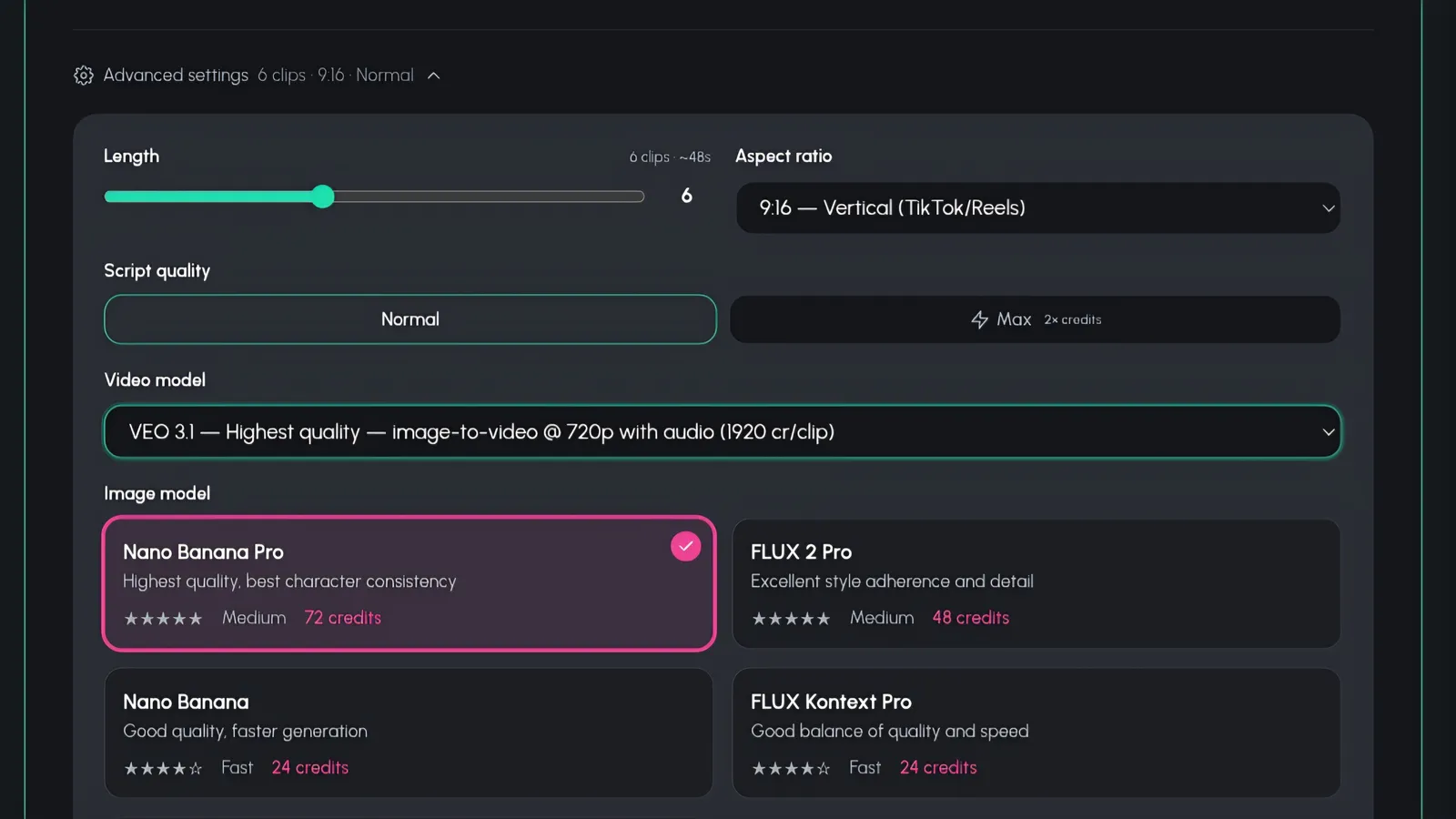
Choose your music, video length, and aspect ratio - 9:16 for Shorts and Reels, 16:9 for YouTube, 1:1 for feeds - plus script quality and a Pro or Lite quality tier. Hit render and watch the progress bar do the work. When it's done, copy the ready-made SEO caption and auto-publish straight to your connected accounts. One idea in, a published multi-scene video out.
See a Story Video Come to Life
Watch the full idea-to-video pipeline in action
What Can You Create?
One story engine, four very different channels
Drama Series
Betrayals, rivalries, secrets that come out in scene five. Drama arcs are built for the gut-punch ending, and recurring characters turn one storyline into a season viewers binge episode by episode.
Comedy Skits
The three-beat structure is secretly a joke structure - setup, misdirection, punchline. Give a character an absurd problem in scene one and let the ending land the laugh people share with their group chat.
Kids Stories
Friendly characters, clear stakes, and endings with a lesson. The 6-scene arc is the perfect length for young attention spans, and colorful 3D characters make every episode feel like a mini animated movie.
Mini Films
Complete cinematic shorts with a beginning, middle, and end - the kind of piece an AI short film generator exists for. Pick the 3D Stylized look, go 16:9, and publish something that feels made, not generated.

Every story renders in 9:16, 16:9, or 1:1 - formatted for the platform you're posting to
Story Video Generator vs. Clip Tools
| Feature | Autoclips | AutoShorts.ai | Crayo AI | Manual Animation |
|---|---|---|---|---|
| Complete story arcs | 6-scene setup, turn, payoff | Narrated slideshows | Clip templates | If you write one |
| Three story angles per idea | Yes, regenerate anytime | No | No | Hire a writer |
| Characters with lip-synced dialogue | Built in | Voiceover only | Voiceover only | Frame-by-frame |
| Character library and casting | Saved + community + Auto-pick | No | No | Design from scratch |
| Aspect ratios | 9:16, 16:9, 1:1 | Vertical focus | Vertical focus | Any (rendered manually) |
| SEO caption + auto-publish | Both built in | Scheduling only | Export and post yourself | Do it all yourself |
| Cost | From 240 credits (~$1.20) per scene | Monthly subscription | Monthly subscription | $500-$2,000+ per minute |
Frequently Asked Questions
Everything you need to know about AI story video generation
What is an AI story video generator?
An AI story video generator is a tool that turns a single idea or script into a complete, multi-scene video with a real narrative arc - characters, dialogue, setup, turn, and payoff. Instead of producing one isolated clip, it writes the story, structures it into scenes, casts characters, renders every scene, and stitches it all into a finished video you can publish. Autoclips Fruit AI Stories is a flagship example: type an idea and get a published 6-scene story video.
How is a story video different from a normal AI video?
A normal AI video is a moment - a few seconds of pretty footage with no reason to keep watching. A story video is a journey: it has characters with stakes, a setup that raises a question, a turn that complicates things, and an ending that pays it off. That structure is why story videos hold viewers to the last second, spark comment sections, and turn casual scrollers into subscribers, while single clips get a like and get forgotten.
Can the AI write the whole story for me?
Yes. Type a rough idea - even one sentence - and the AI writes three complete story angles for you, each a 6-scene arc with a setup, a turn, and a gut-punch ending. You pick the angle you like best or regenerate for three fresh ones. If you already have a script, you can paste it instead and the AI structures it into scenes. Either way, you never start from a blank page.
How much does an AI story video cost?
With Autoclips, cinematic story scenes start at 240 credits (~$1.20 per scene). Compare that to commissioned animation, which runs $500-$2,000+ per minute, and the math is simple: you can produce an entire multi-scene story video for less than the cost of a coffee run, and publish new episodes every day without touching a studio budget.
What aspect ratios can I export?
You can export in 9:16 vertical for TikTok, Instagram Reels, and YouTube Shorts, 16:9 widescreen for standard YouTube, and 1:1 square for feed posts. You pick the aspect ratio before rendering, alongside music, video length, script quality, and a Pro or Lite quality tier, so every story video comes out formatted for the platform you're targeting.
Can it publish the video for me?
Yes. Once your story video finishes rendering, Autoclips gives you a ready-made SEO caption to copy, and it can auto-publish the video straight to your connected social accounts. From typed idea to live post, the whole pipeline runs in one place - no downloads, no re-uploads, no caption writing at midnight.
Stop Making Clips. Start Telling Stories.
The feed is drowning in pretty eight-second clips nobody remembers. What it's short on is stories - characters, stakes, and endings that make people hit follow. You have the idea. The pipeline handles the rest.
Cinematic story scenes start at 240 credits (~$1.20 per scene) - 9:16, 16:9, 1:1 - auto-publish included