Claymation Maker Online
Your Browser is the Studio
A claymation maker online means no clay under your fingernails, no camera rig in your bedroom, and no software eating your hard drive. Open a tab, type an idea, and watch talking clay characters act it out - start to finish in minutes, not weeks.
Watch: How to Make an AI Claymation Video
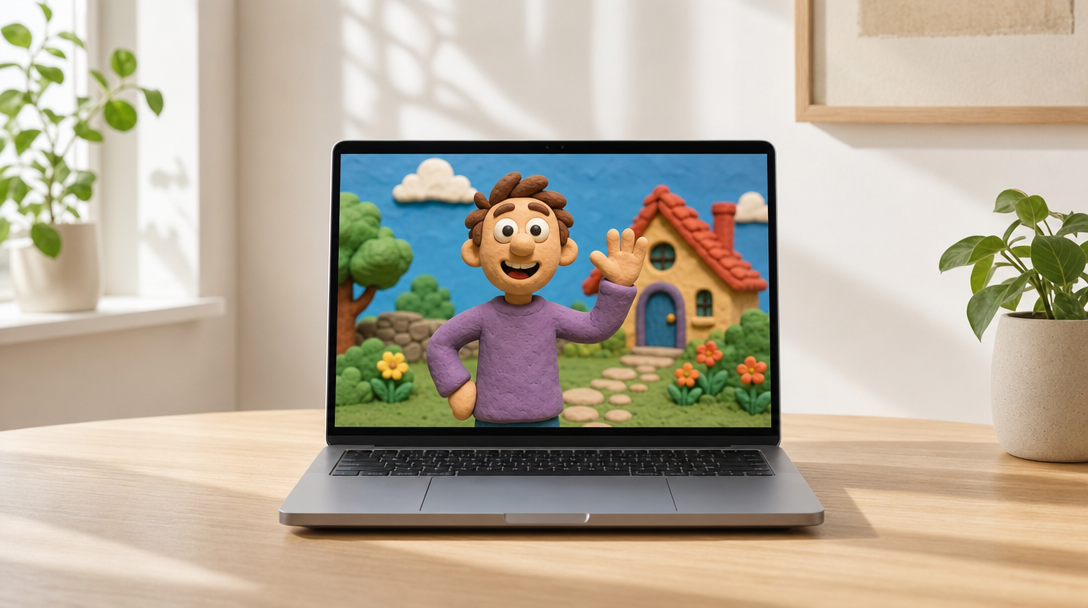
Everything a claymation studio used to need, now inside one browser tab
What is a Claymation Maker Online?
A claymation maker online is a browser-based tool that creates clay animation videos from a text idea. Instead of sculpting figures and photographing them one frame at a time, you describe a situation, pick your characters and a genre, and the AI writes the script, builds the scenes, and renders the finished skit - with characters who actually speak lip-synced dialogue.
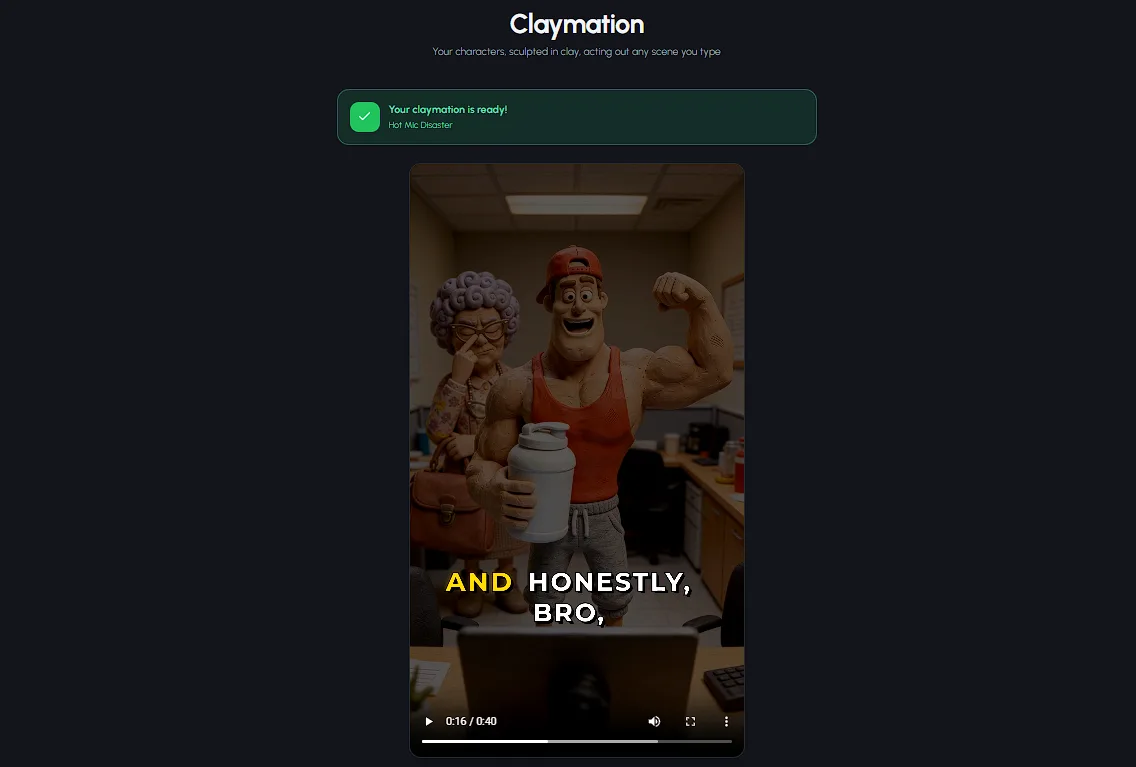
That last part matters. Search for "online claymation software" and you'll mostly find two things: desktop animation programs you have to download and learn, and clay-style filters that repaint existing footage. Neither gives you original clay characters having a real conversation. Autoclips Claymation does - up to 4 characters, talking to each other, in a complete skit with a setup, an escalation, and a punchline.
What Autoclips Claymation gives you, right in the browser:
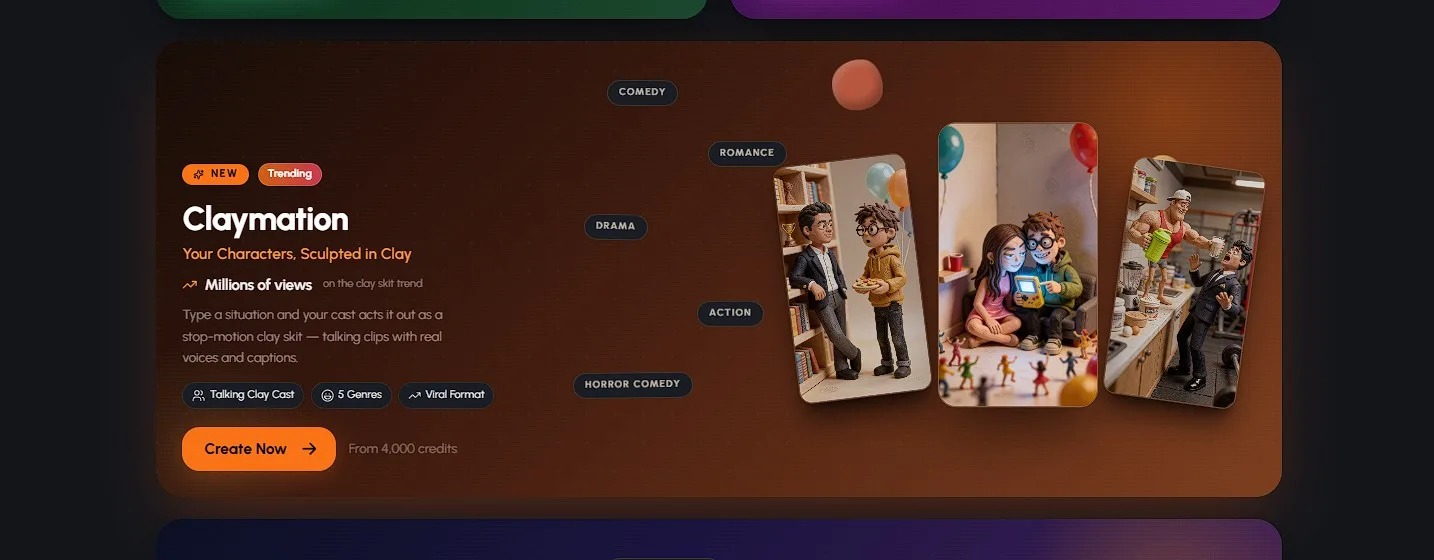
The claymation maker lives on the Autoclips dashboard - no install, no setup wizard
Everything a Claymation Studio Needs vs Everything You Need
Traditional stop motion is beautiful - and brutal. 24 tiny frame adjustments buy you exactly 1 second of footage, and professional productions run $1,000 to $10,000+ per finished minute. Here's what each side of that trade actually looks like.
The traditional studio shopping list
The online claymation maker shopping list
That's the whole list. No armatures, no light meters, no render farm humming in the corner. The studio is a tab you can close and reopen whenever inspiration hits.
How the Online Claymation Maker Works
Four steps between "I have an idea" and "it's rendering"
Pick Your Characters
Choose 1 to 4 characters - reuse saved ones, upload a photo of literally anyone, or generate a fresh character with AI. Everyone gets the clay treatment automatically, so your whole cast looks like it came off the same miniature set. No sculpting, no armatures, no clay.
Describe the Situation & Pick a Vibe
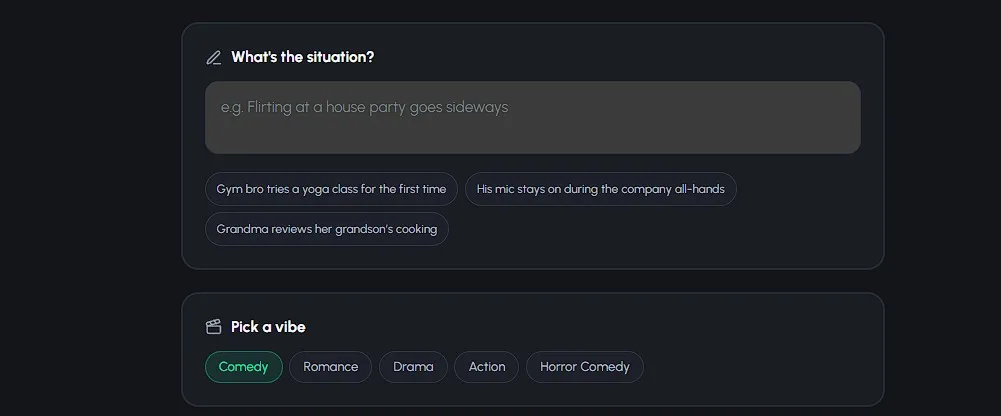
Type what happens - "a barista falls for the customer who orders the same drink every day" - and pick a genre vibe: Comedy, Romance, Drama, Action, or Horror Comedy. This one sentence replaces the screenplay, the storyboard, and the shot list.
Choose Quality & Clip Count
Pick a tier: Lite for quick 8-second clips at 500 credits each, Pro - marked "Best" - for 8-second clips that shine when characters talk to each other at 1,000 credits per clip, or Pro Max for 10-second clips with the most cinematic motion, also 1,000 credits per clip. Choose 4 to 8 clips, and the exact credit cost appears before you create anything. You can compare credit packs on the pricing page anytime.
Online Maker vs Desktop Software vs DIY Stop Motion
| Feature | Autoclips (Online) | Desktop Animation Software | DIY Stop Motion |
|---|---|---|---|
| Install required | None - runs in the browser | Download + updates | Capture + editing software |
| Equipment | Any device with a browser | A powerful computer | Clay, armatures, DSLR, lighting |
| Skill needed | Type an idea | Steep learning curve | Years of animation practice |
| Characters that talk | Lip-synced, up to 4 | Manual rigging + dubbing | Frame-by-frame mouth swaps |
| Time to first video | Minutes | Days to weeks | Weeks to months |
| Cost | From ~$10 per skit | License fees + your time | $1,000-$10,000+/finished min (pro) |
See Autoclips in Action
From a text prompt to a finished video - here's how fast it is
What Can You Make With a Clay Animation Maker?
Five genre vibes, each with its own pacing and payoff
Comedy
Roommate feuds, workplace absurdity, tiny arguments blown wildly out of proportion - with a hard punchline in the final clip. The default choice for a reason.
Romance
Awkward crushes, meet-cutes, and will-they-won't-they tension. Clay characters falling for each other is peak cozy content - the comments melt every time.
Drama
Quiet stakes and a gut-punch closing line. The contrast between adorable clay faces and real emotion is exactly what makes people hit share.
Action
Chases, heists, standoffs, and races against time - short punchy lines and a cool one-liner for the finale. Pure miniature spectacle.
Horror Comedy
A monster in the kitchen, a haunted thrift-store lamp, a noise in the basement - played completely straight, then undercut by deadpan reactions. The clay aesthetic makes horror adorable, and that contrast is the joke.
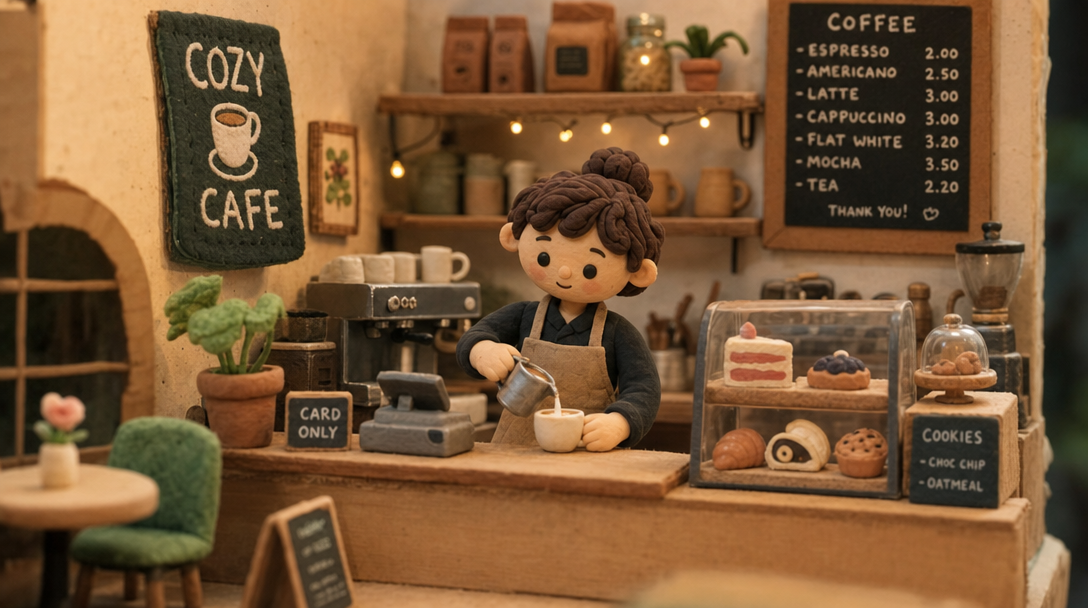
Every scene gets the full diorama treatment - sets, lighting, and clay texture included
Why a Claymation App in Your Browser Beats a Download
Desktop animation software asks for a commitment before you've made a single frame: the download, the system requirements, the tutorials, the project files. Most people quit somewhere between the installer and the timeline. A browser-based claymation maker flips that - the first thing you do is make something.
It also means your studio follows you. Start a skit on your laptop at lunch, check the render from your phone on the couch, download the finished video from anywhere. Nothing is trapped on one machine, and nothing breaks when your OS updates.
And because Autoclips charges on success, the economics stay honest: you see the exact credit cost before you create, and you only pay for clips that actually generate. A 4-clip Lite skit starts at 2,000 credits (~$10) - roughly what a single finished second could cost you in gear-and-time terms the traditional way.
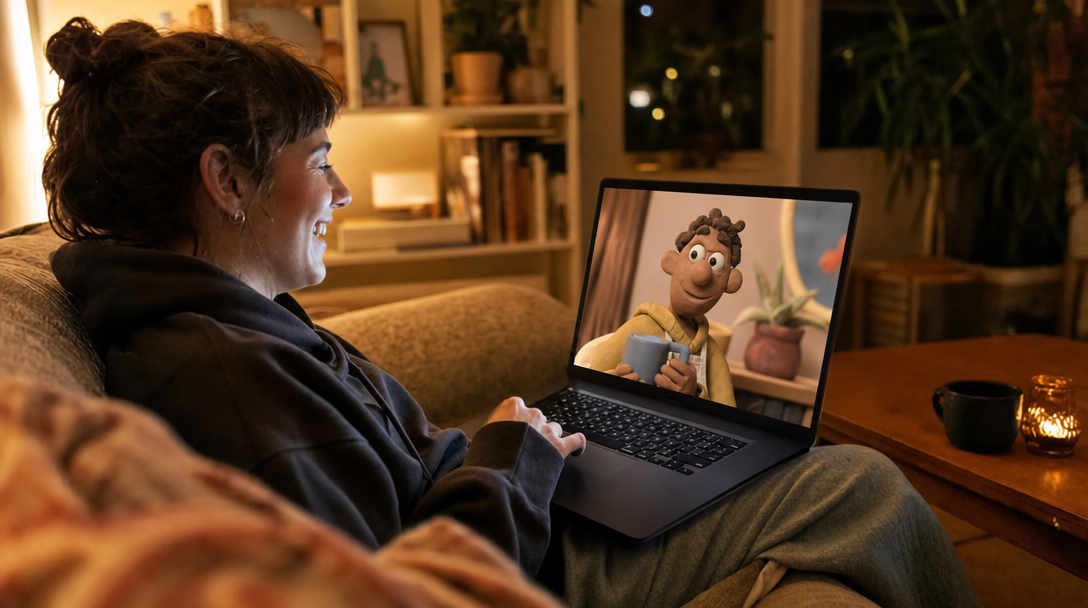
The new claymation studio: a couch, a laptop, and an idea
Frequently Asked Questions
Everything you need to know about making claymation videos online
Is there a free claymation maker online?
Signing up for Autoclips is free, and you can explore the whole claymation flow - pick characters, describe your skit, choose a genre - and see the exact credit cost before anything is created. Rendering a skit uses credits: a 4-clip Lite skit starts at 2,000 credits (~$10). And you're only charged for clips that successfully generate, so a failed clip never costs you anything.
Do I need to download anything to make claymation videos?
No. Autoclips Claymation runs entirely in your browser at app.autoclips.app. There's no software to install, no updates to babysit, and no gigabytes of project files eating your hard drive. If you can open a tab, you can make a clay animation video.
Can the clay characters actually talk?
Yes - and this is the part that surprises people. Autoclips characters speak real, lip-synced dialogue, with up to 4 characters holding a full conversation in one skit. The AI writes the dialogue based on your situation and genre, so every video plays like a proper skit with a setup and a payoff, not a silent animation loop.
How much does an online claymation maker cost?
Autoclips claymation skits start from 2,000 credits (~$10) for a 4-clip video on the Lite tier (500 credits per 8-second clip). The Pro tier - the best at characters talking to each other - and the Pro Max tier with the most cinematic motion are 1,000 credits per clip. You always see the exact total before you hit Create, and you only pay for clips that succeed.
Does it work on mobile?
Yes. Because Autoclips is browser-based, it works on phones, tablets, and laptops alike - anything with a modern browser. You can start a skit from the couch on your phone and download the finished video from the same place. No app store, no install.
How long are the videos?
Each skit is made of 4 to 8 clips. Lite and Pro clips run 8 seconds, and Pro Max clips run 10 seconds, so finished videos land around 30 to 80 seconds - in 9:16 vertical, the exact shape TikTok, Instagram Reels, and YouTube Shorts want.
Make Clay Animation Without the Studio
Somewhere, an animator is on frame 217 of a 10-second shot. You could have a finished, talking claymation skit posted before they get to frame 240. Open the tab, type the idea, let the clay do the talking.
Skits from 2,000 credits (~$10) - no downloads, no equipment, no experience