Text to Claymation
One Sentence In, a Talking Clay Skit Out
This is text to claymation at its purest: you type "two roommates fight over the thermostat", and minutes later two clay characters are actually arguing about it - with real dialogue, a proper escalation, and a punchline you didn't have to write. The AI is the screenwriter. You're the one with the ideas.
Watch: How to Make an AI Claymation Video
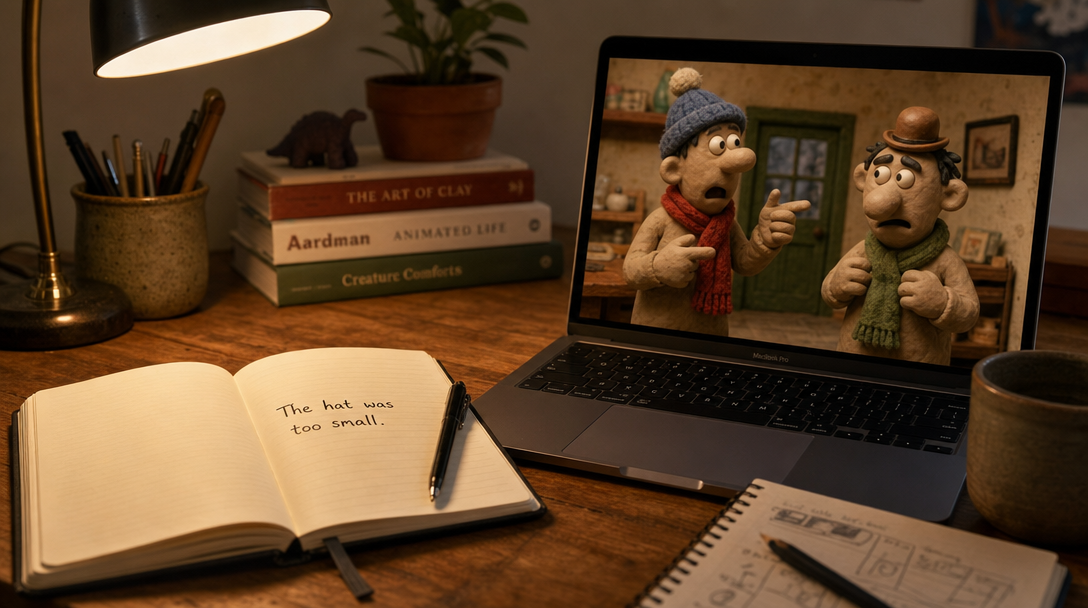
From a scribbled idea to a living clay scene - no clay required
What is Text to Claymation?
Text to claymation means exactly what it sounds like: you write a short description of a situation, and AI turns it into a finished clay animation video. Not a storyboard. Not a style filter. A complete skit where clay characters move, emote, and talk to each other with lip-synced dialogue.
Traditional stop motion demands sculpting, lighting rigs, and weeks of nudging figures one frame at a time. Even most text to animation AI tools still make you do the hardest part yourself: the writing. They'll animate your script, sure - but you have to show up with a script.
Autoclips Claymation flips that. The AI is the screenwriter, the set builder, and the animator. Your only job is the idea. One sentence of text to clay animation, start to finish.
What one sentence gets you:
From One Sentence to a Full Skit
Here's the part that feels like magic. Most AI script to video tools are literal - they animate what you typed and nothing more. Type "two roommates fight over the thermostat" into a literal tool and you get... two people standing near a thermostat.
Autoclips treats your sentence as a premise, not a caption. The AI reads it like a screenwriter would: who are these characters? What do they each want? Where does this go wrong? Then it writes the whole arc - the cold open where one roommate catches the other red-handed at the dial, the escalation where old grievances surface ("this is about the dishes, isn't it?"), and the final-scene payoff where the punchline lands.
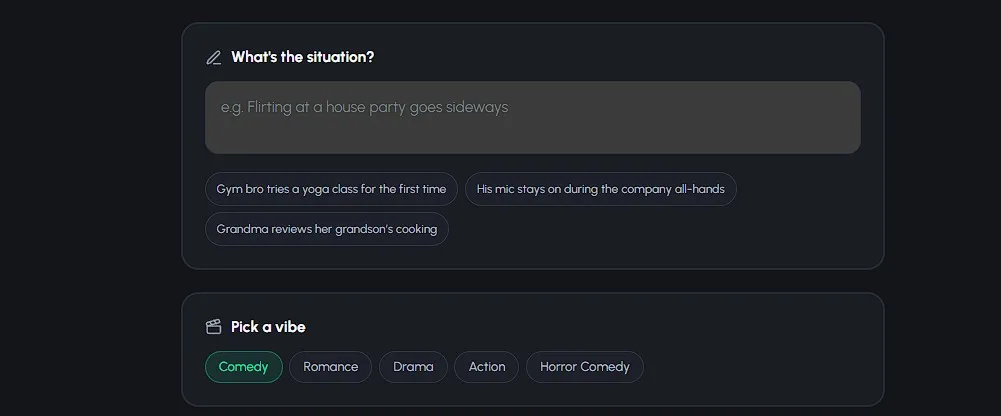
Your genre choice changes how that arc gets written. Pick Comedy and the dialogue turns deadpan with a hard punchline. Pick Drama and the same premise becomes quiet tension with a gut-punch closing line. Romance adds awkward chemistry and a sweet payoff, Action makes it a high-stakes standoff with a cool one-liner, and Horror Comedy plays it spooky-straight before undercutting everything with a laugh. Same sentence, five completely different skits.
That's why the results feel written rather than generated - because they are written. Every skit has a setup, a middle, and an ending. You just never had to open a blank page.
Prompt Examples: Steal These
Going from prompt to claymation starts with one good sentence. Here's one per genre - copy them or riff on them.
"Two office workers discover the coffee machine is sentient"
The AI plays it deadpan - polite small talk with a machine that has opinions about oat milk, building to a punchline about who really runs the office.
"A shy baker finally talks to their favorite customer"
Expect fumbled words over the pastry case, a will-they-won't-they beat, and a payoff sweet enough to melt the comment section.
"A father and son fix an old car and finally talk"
Quiet lines under the hood, years of things unsaid, and a closing exchange that hits harder because the characters are three inches of clay.
"Two spies race to defuse a birthday cake"
Short punchy lines, a ticking-clock standoff over the frosting, and a one-liner for the finale. Clay action is pure spectacle.
"Something in the fridge keeps rearranging the leftovers"
A spooky setup played completely straight, deadpan reactions to the impossible, and a laugh right where the scream should be.
"A knight tries to return a defective sword without a receipt"
Medieval customer service, an unbending blacksmith, and comic escalation over store policy. Mundane conflict in an epic setting always lands.
How Text Becomes a Claymation Video
Four steps, and the only typing you do is the idea
Cast Your Clay Characters
Pick 1 to 4 characters for the skit. Use ones you've saved, upload a photo of anyone, or generate someone brand new with AI - everyone gets the clay treatment automatically, so your whole cast looks like it was sculpted for the same miniature set.
Type Your Idea & Pick a Vibe
This is the text-to-claymation moment. Describe the situation in plain language - one sentence is plenty - then pick a genre: Comedy, Romance, Drama, Action, or Horror Comedy. That's all the writing you'll ever do.
Choose Quality & Clip Count
Pick a tier - Lite for quick, affordable 8-second clips, Pro for the best character-to-character dialogue, or Pro Max for 10-second clips with the most cinematic motion - and choose 4 to 8 clips. You see the exact credit cost before you create, and you can check how credits work on the pricing page. No surprises, ever.
Watch Your Text Turn Into Scenes
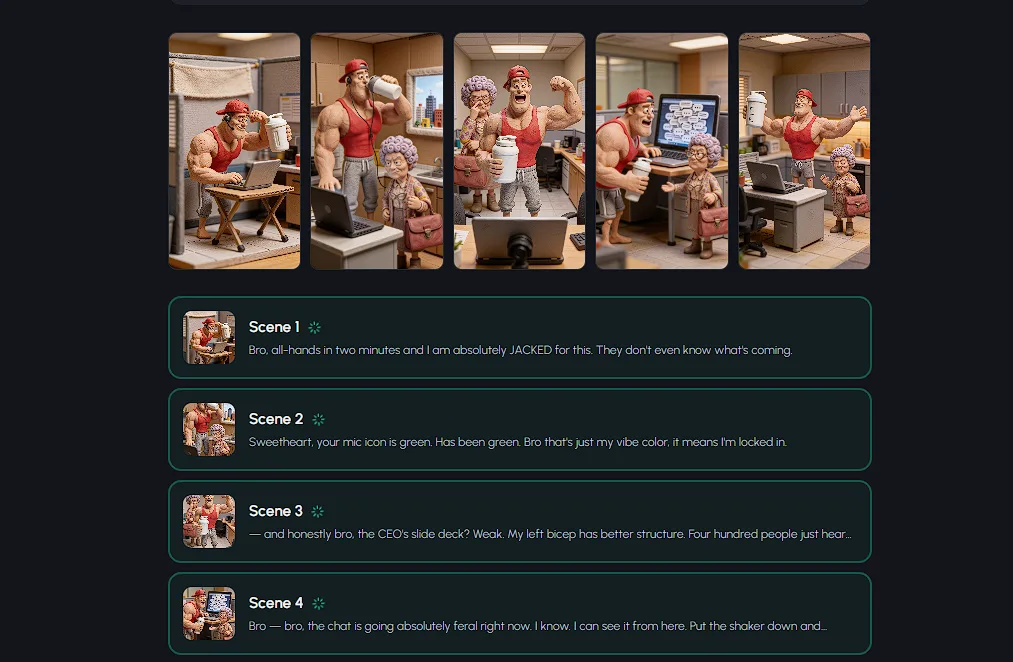
The AI writes the full script from your sentence, then builds every scene image - and you get to watch them appear one by one. It's genuinely fun seeing "something in the fridge" become an actual tiny clay kitchen.
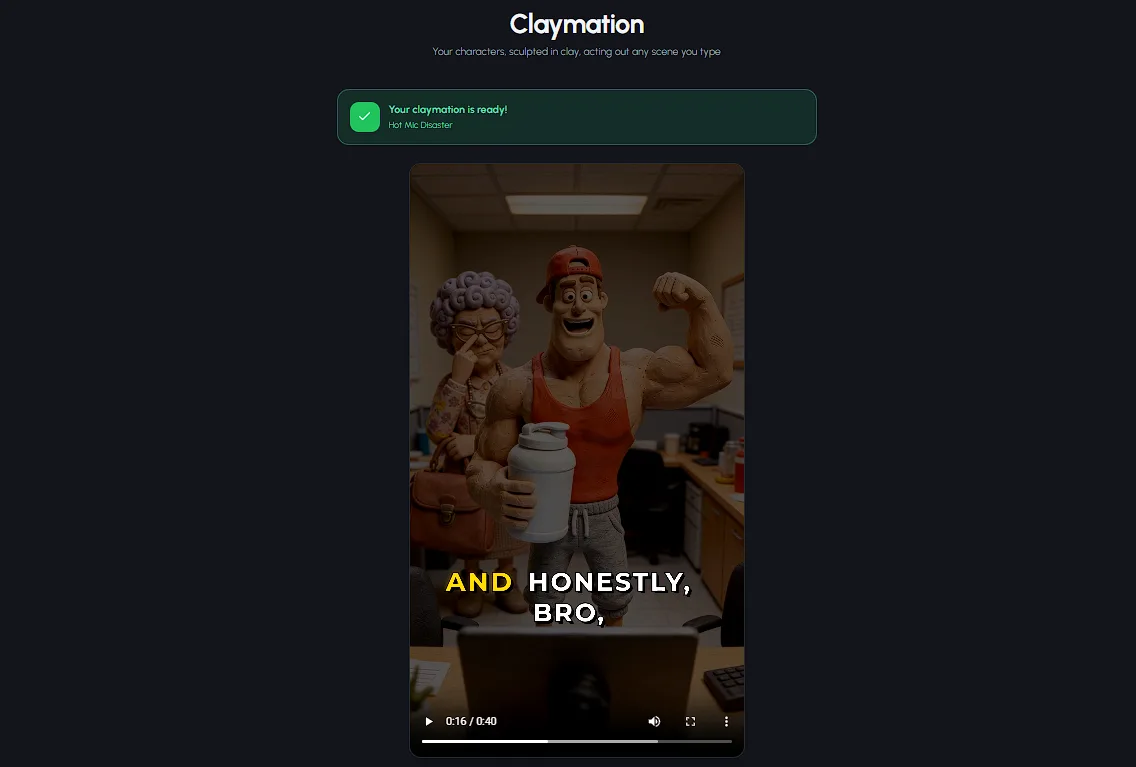
Then the clips render with lip-synced dialogue and stitch into one vertical video. Download it, copy the auto-generated title, description, and hashtags, and post.
See Autoclips in Action
From a text prompt to a finished video - here's how fast it is
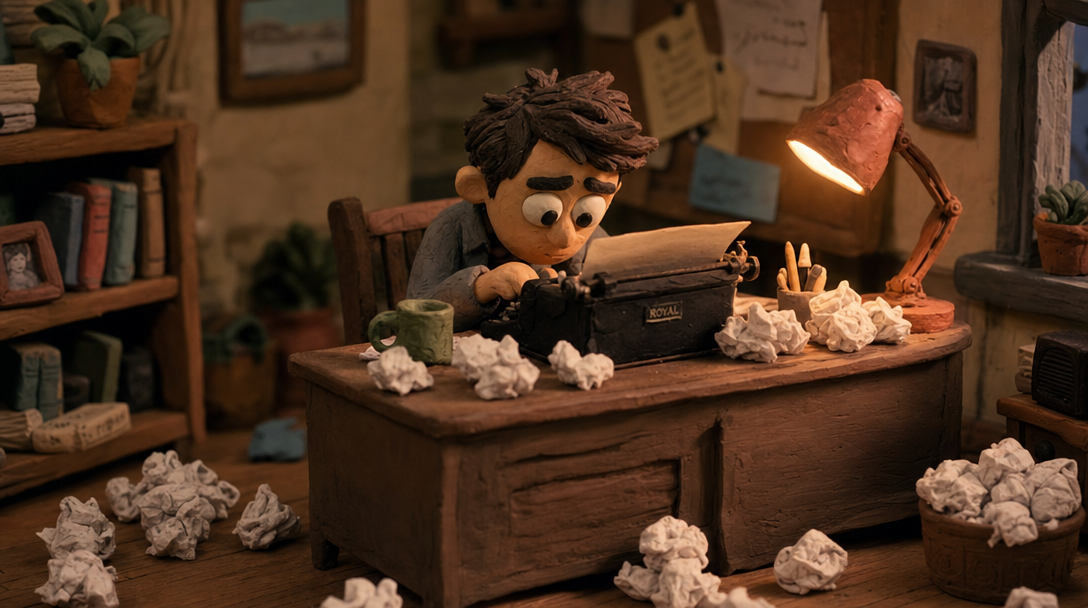
Somewhere in the machine, a very small screenwriter is taking your premise seriously
Tips for Better Prompts
Be Specific About the Conflict
"Two roommates argue" is vague. "Two roommates fight over the thermostat" gives the AI a concrete object to build the whole skit around. The sharper the conflict, the sharper the dialogue.
Name the Setting
A bakery, an office break room, a spaceship galley - the setting shapes every scene image. Naming it in your prompt gets you a miniature clay world that matches the picture in your head.
One Situation, Not Three
A 30-80 second skit is one scene done brilliantly, not a movie plot. "The coffee machine is sentient" is a skit. "The coffee machine is sentient, then they go to Mars, then there's a wedding" is three skits fighting for airtime.
Let the Genre Do the Tone Work
Don't write "a funny scene where..." - just pick Comedy. The genre vibe controls the pacing, the dialogue style, and the payoff, so your prompt can stay a clean description of what happens.
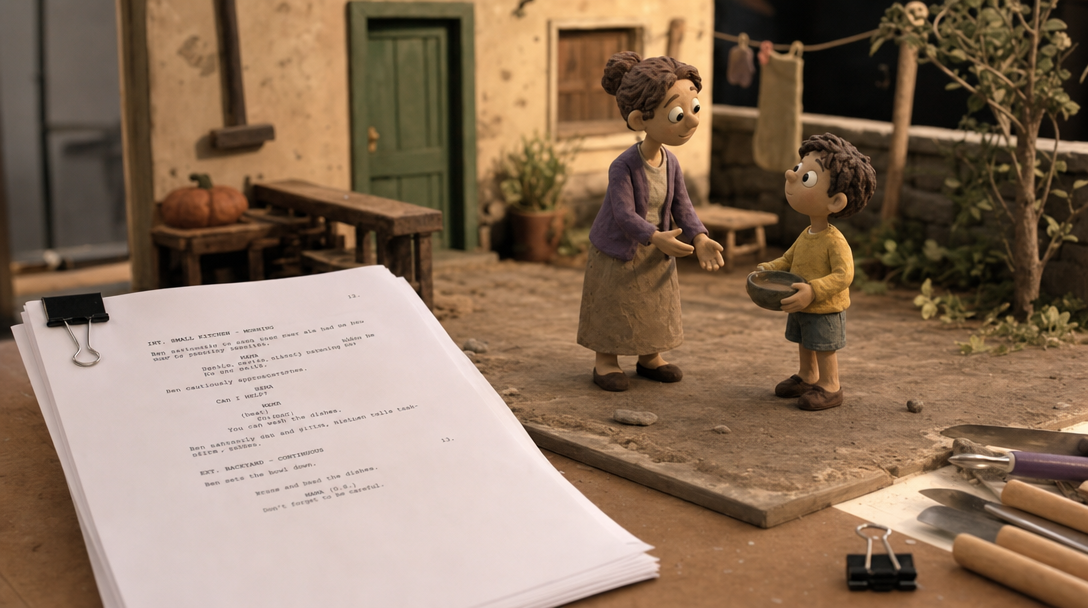
Every skit starts as a real script - you just never had to write it
Frequently Asked Questions
Everything you need to know about turning text into claymation
What is text to claymation?
Text to claymation is the process of turning a plain-text idea into a finished clay animation video using AI. You type a one-line situation like 'two roommates fight over the thermostat', pick a genre vibe, and the AI writes the full skit script, generates the scene images, and renders lip-synced clips of clay characters actually talking. No clay, no camera, no animation skills - just text in, video out.
Do I need to write a script?
No. That's the whole point. You describe the situation in one or two sentences, and the AI does the screenwriting for you - the dialogue, the pacing, the escalation, and a final-scene payoff that matches your chosen genre. You give it the premise; it gives you the setup, the middle, and the punchline.
Can I control what the characters say?
You steer the skit through your prompt and genre choice. The more specific your text - who the characters are, what they want, where they are - the closer the AI-written dialogue lands to what you imagined. Pick Comedy and the lines get punchier; pick Drama and they get quieter and heavier. Your words set the direction, the AI handles the line-by-line writing.
How long does it take to generate a claymation video from text?
Minutes, not weeks. After you hit create, the AI writes the script, builds every scene image (you can watch them appear in real time), and renders the lip-synced clips into one vertical video. And you're only charged for clips that successfully generate.
What voices do the clay characters use?
Every character speaks their own lines with lip-synced dialogue - up to 4 distinct characters holding a full conversation in a single skit. The AI writes and assigns the dialogue per character based on your idea, so a two-character argument actually sounds like an argument, with both sides talking back and forth.
How much does text to claymation cost?
Skits start at 2,000 credits (~$10) for a 4-clip video on the Lite tier (500 credits per clip). Pro and Pro Max clips are 1,000 credits each - Pro is the best at characters talking to each other, and Pro Max delivers the most cinematic motion in 10-second clips. You see the exact credit cost before you create, and you only pay for clips that succeed.
Your Next Idea Deserves to Be Clay
The gap between "that would be hilarious" and a posted video used to be weeks of work. Now it's one sentence and a genre pick. Type the idea, choose the vibe, and let the AI write the skit your characters were born to perform.
Skits from 2,000 credits (~$10) - up to 4 talking characters - 5 genres - only pay for clips that succeed